Modifying a Falco Rule for CloudTrail
Updating Falco rules can take 20mins to filter through, so removing this from the workshop Keeping it here as we can still use the steps in a video script
Using Sysdig CloudConnector, you are not limited to the out-of-the-box rules provided. You can modify existing rules, or write your own tailored to your own needs.
So, let’s try first modifying a rule. The rule AWS command executed on unused region checks if a resource is created in a region that you are not permitted to use - the prohibited regions are specified in Falco list called disallowed_aws_regions.
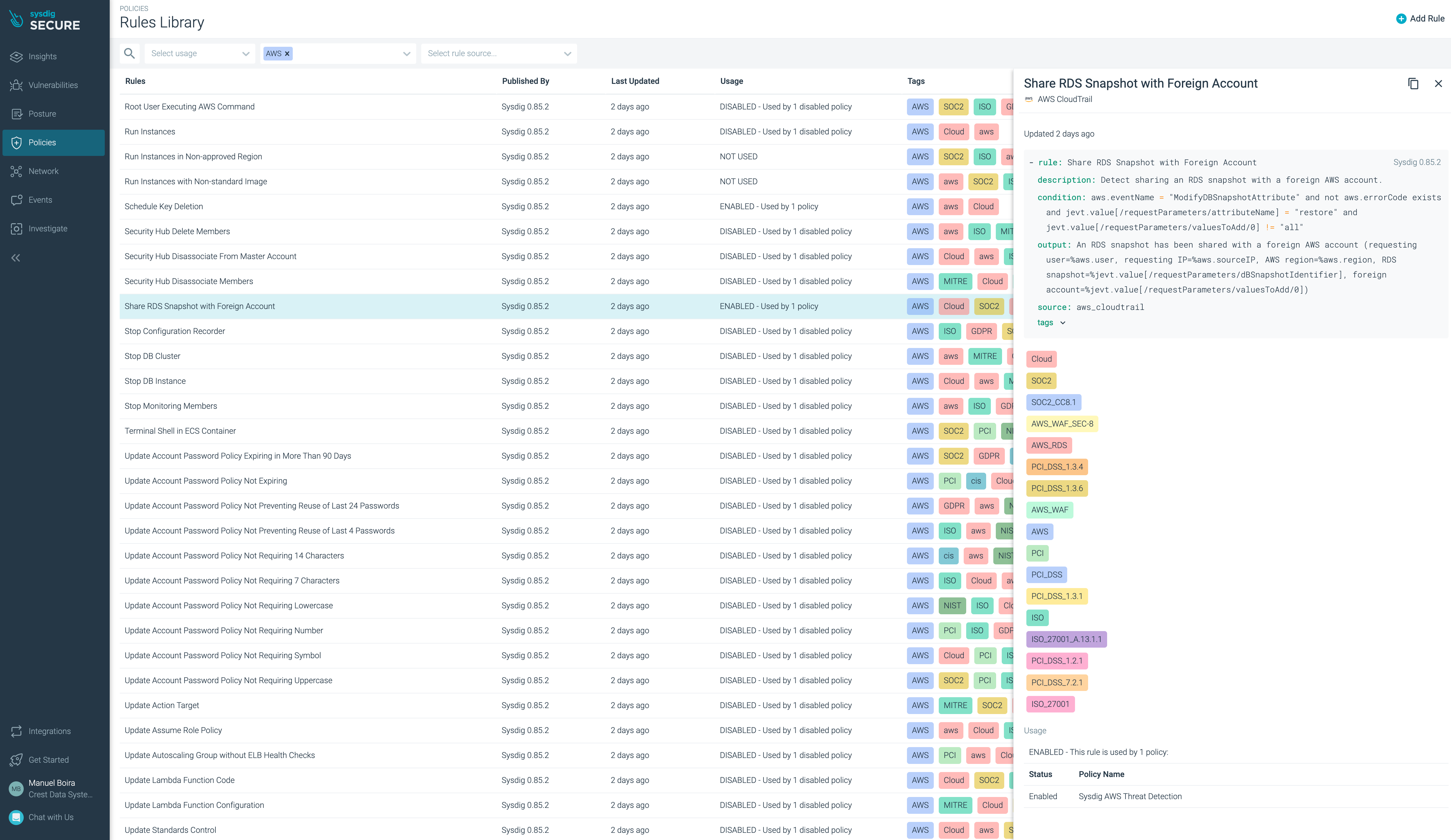
Lets assume for the purposes of this lab that you are not permitted to use AWS regions us-west-1 or us-west-2.
Navigate to ‘Policies > Falco Lists’
Click on disallowed_aws_regions, then Edit
Add ‘us-west-1, us-west-2‘

Click Save then Done
The rules and policies are read from Sysdig Secure every 5 minutes.
Now let’s create another S3 bucket, but specify the prohibited region us-west-2 and watch it trigger a security alert.
Check your initials are set in the environment variable
INITIALSfrom before (these should already be set)echo $INITIALSIf not you can run
INITIALS=<your initials>as beforeNow create the new S3 bucket, but this time in us-west-1 (the
datecommand will ensure the bucket name is different to previous one).NEWBUCKETNAME="${INITIALS,,}"-$(date +%s) aws s3api create-bucket --bucket $NEWBUCKETNAME --acl public-read --region us-west-1 --create-bucket-configuration LocationConstraint=us-west-1CloudTrail takes up to several minutes to provide the events. When the event is available, the rule will be triggered and we will see a new security event in Sysdig Secure.
Event screenshot here.
